So NORbert has an FT245 transport now. It also does dual and quad I/O SPI reads, and the chip identity is runtime configurable. Here's what happened since the last post.
FT245 via FT2232H
The UART path works but at 2 Mbaud it tops out around 200 KB/s. Loading a 32MB image into SDRAM takes minutes which is annoying when you're developing. We added an alternative transport using the FT2232H in async 245 FIFO mode.
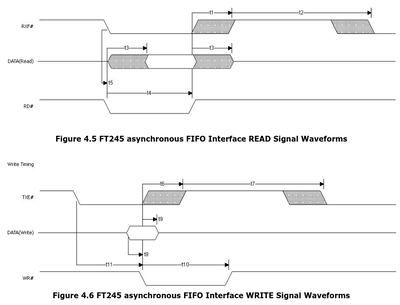
The first version was only doing ~1 MB/s. The problem was the FT2232H latency timer: every block transfer has a round-trip ACK and the 2ms latency timer fires on each one. With 2KB blocks and 32MB that's 16384 blocks times 2ms which is 32.8 seconds of pure latency. Protocol v3 fixed this by widening the burst count from 8-bit to 16-bit (6-byte header), increasing block size to 16KB, and dropping the latency timer to the 1ms minimum. 5x improvement.
64KB blocks were faster, about 6.4 MB/s, but were unreliable. We never really figured out why. Sustained 8192-burst writes at that rate would eventually corrupt data – bytes silently lost somewhere between the FT2232H and the FPGA protocol parser. No error, no retry, just bad bytes in your firmware image. 16KB blocks are 100% reliable, we verified with 10 consecutive passes of 32MB random write + read-back verify. At 5.3 MB/s the transport is no longer the bottleneck anyway.
The FT2232H EEPROM needs to be configured for "245 FIFO" mode on Channel A. One-time setup via FT_PROG. After that the host tool just opens the device and reads/writes. We added a pure-Rust backend using rs-ftdi (nusb-based) as the default, D2XX as optional. The rs-ftdi backend auto-detaches ftdi_sio and has no C dependencies.
Dual and quad I/O reads
NORbert now supports dual and quad I/O modes: 1-1-2, 1-2-2, 1-1-4, and 1-4-4. The dual I/O implementation (commands 0xBB and 0x3B) exposed three bugs:
Byte-7 shift
The live ram_read_buffer register got overwritten by the next SDRAM burst before byte 7 was loaded into the SPI output shift register. Saved byte 7 into a dedicated register before initiating the next read.
Bus contention at CS edges
SPI output enable stayed asserted after chip select deassert. When the master reasserted CS, the FPGA was still driving IO0 against it. Fixed by gating output enables combinationally with the reset_cs signal for immediate deassert on CS rising edge.
CDC race on activate/read
ram_activate and ram_read pass through independent 2-FF synchronizers from the SPI clock domain. When timing drifts, READ could dispatch before ACTIVATE completed, hitting a non-active bank. Added an spi_activate_done flag so READ only dispatches after ACTIVATE finishes.
Quad I/O (0xEB and 0x6B) came after. Both quad and dual hit the same ~20 MB/s throughput ceiling from the SDRAM prefetch pipeline. Quad is useful for devices that only support quad mode, or for probing whether a chip's security model differs between SPI modes.
Runtime chip configuration
Used to have a compile-time FLASH_CHIP parameter in the bitstream. Changing chip identity meant re-synthesizing. Now the host tool loads chip definitions from rflasher's RON database, generates a JESD216B SFDP/BFPT table, and sends it to the FPGA. The FPGA defaults to W25Q64FV if nothing is configured. CMD_READSFDP (0x5A) serves the configured table to the SPI master. Lets you test how a boot ROM reacts to different flash identities without reflashing.
SDRAM bugs
Both SDRAM chips on the dock board are working now but it took some effort.
IODELAY doesn't work for clocks on GW5A
First attempt used Gowin IODELAY primitives for the SDRAM clock. Turns out IODELAY doesn't support clock outputs on the GW5A. SDRAM never got a clock and returned all-FF. Fixed by using a dedicated PLL output with coarse phase shift (~3.75ns) instead.
Refresh starvation
The controller holds refresh during active serial transfers. At 2 Mbaud a 16KB UART read takes ~82ms which exceeds the 64ms refresh window. SDRAM starts losing data. Added a separate UART_READ_BLOCK_SIZE of 4KB (~20ms per block). FT245 reads keep the full 16KB since they finish in ~3ms.
One-cycle refresh gap
A one-cycle cmd_busy dip during REFRESH-to-REFRESH2 handoff let glue.v dispatch a serial command that got silently overwritten by the refresh transition. Verilog last-write-wins, SDRAM never received the READ, didn't drive DQ, produced blocks of floating-bus values (0x00/0x55/0xAA/0xFF). Made cmd_busy explicitly cover both refresh states.
Timing tightening and clock bump
After everything was stable, tightened SDRAM timing based on W9825G6KH-6 datasheet analysis. tRCD 3->2, tRP 3->2, tRC 9->8. All within spec at 120MHz. Verified with 8MB random load+verify.
We were running at 120MHz because that gives clean integer divisors for 3 Mbaud UART. But the UART never actually worked reliably at 3 Mbaud regardless of the clock – signal integrity issues on the USB-UART bridge. So we dropped UART to 2 Mbaud and bumped the SDRAM clock to 166MHz since there's no reason to leave that performance on the table anymore.
What's next
TOCTOU
Time-of-Check-Time-of-Use on flash. Present one image for verification, swap in a different one before the boot ROM executes it. The idea is to preload the attack image in SDRAM ahead of time so the swap is instant – no need to transfer it over FT245 during the attack window. We can program a specific byte pattern to detect on the SPI bus (like the last read of the verified image, or a known address the boot ROM hits after verification) and use that as the trigger to switch from presenting the verified image to reading the attack image from SDRAM. Need to measure actual timing on target SoCs to see how tight the window is.
Command logging
Sniffer mode that captures and decodes flash commands in real-time. "READ at 0x00000000, 256 bytes", "WRITE ENABLE", "SECTOR ERASE at 0x00010000". Standard JEDEC commands decoded, unusual ones flagged. Also capture actual data payloads. Combined with TOCTOU tooling gives a complete picture of flash access patterns during boot.
Dedicated board
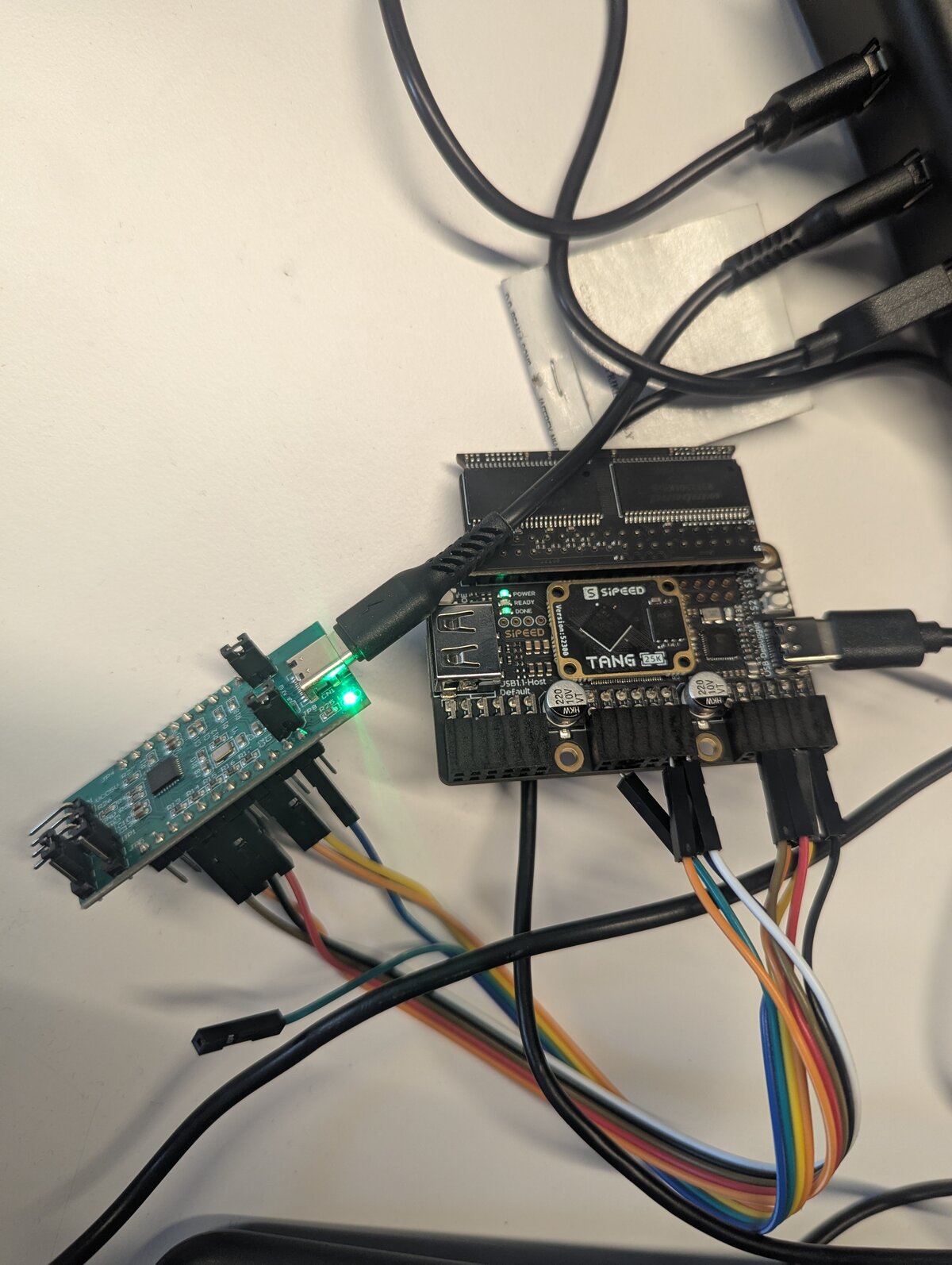
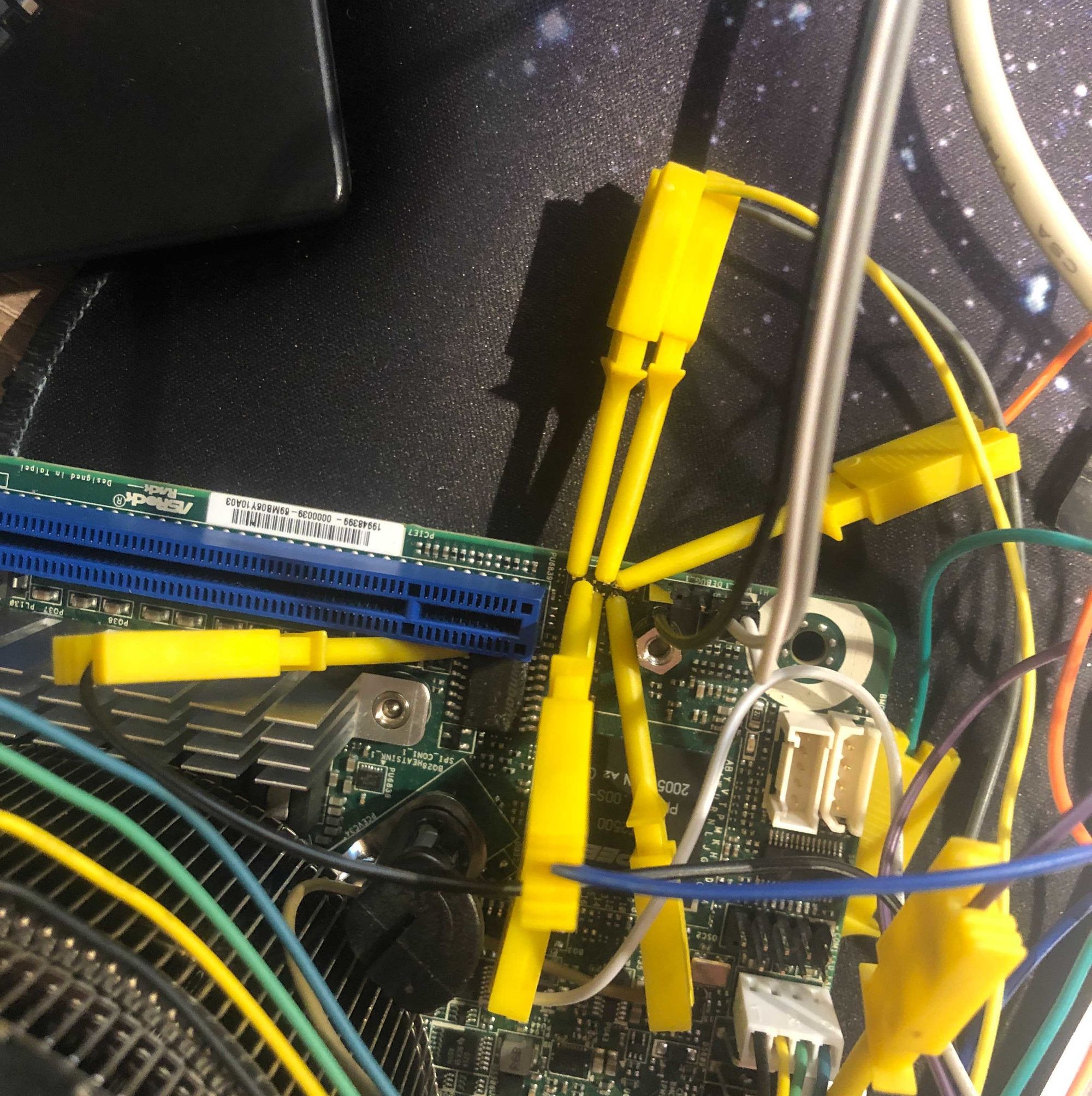
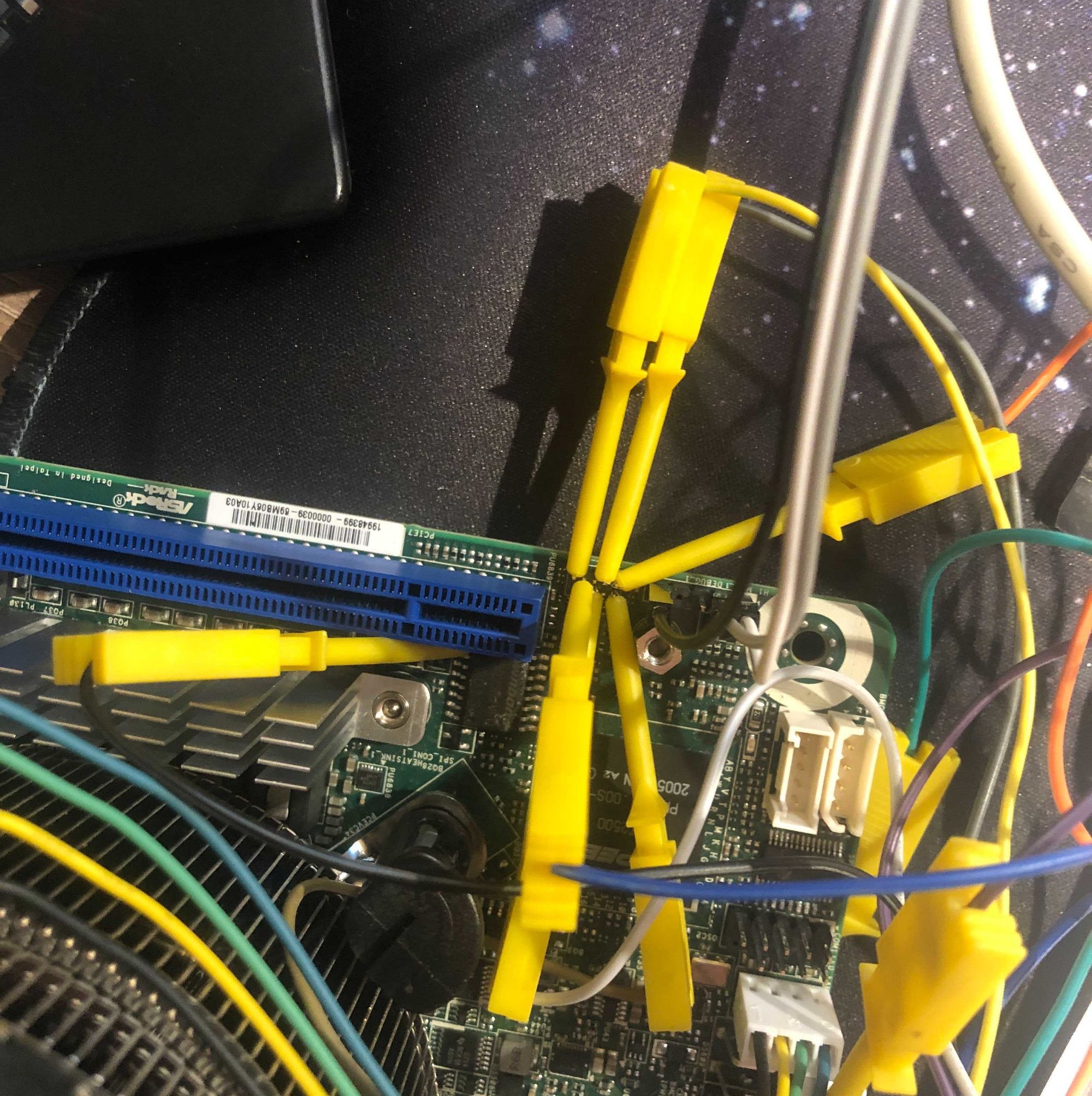
Current setup uses a CJMCU-FT2232H breakout wired to the FPGA dock with jumper cables. Works but fragile. Planning a board with the FT2232H integrated, logic level shifters for 1.8V/3.3V, proper decoupling, and test points for probing with a logic analyzer. Bad level shifting causes intermittent failures that are miserable to debug.
WASM WebUI
rs-ftdi is now published as ftdi-nusb on crates.io. The plan is to build a WASM WebUI for NORbert that runs entirely in the browser, same as I already did for rflasher and rem100. The missing piece is WebUSB support in nusb – I have a rebased branch of the WebUSB PR against current nusb. Once that's in, ftdi-nusb compiles to wasm32-unknown-unknown and uses navigator.usb instead of platform USB. Load image, dump, configure chip – all from Chrome, no install.